Choosing the right nonprofit credit card processing solution is a crucial task in building donor trust. That's why it's important to select a provider that allows you to process donations safely and securely.
Whether you're looking for the first time or are considering a new platform, we've compiled a list of payment processors that may be a good fit for your nonprofit. Here are the platforms we'll cover:

Before diving into the top providers, let's start by reviewing a few credit card processing FAQs and key terms.
When it comes to nonprofit credit card processing, there are a couple of fees to be aware of, including platform and transaction fees.
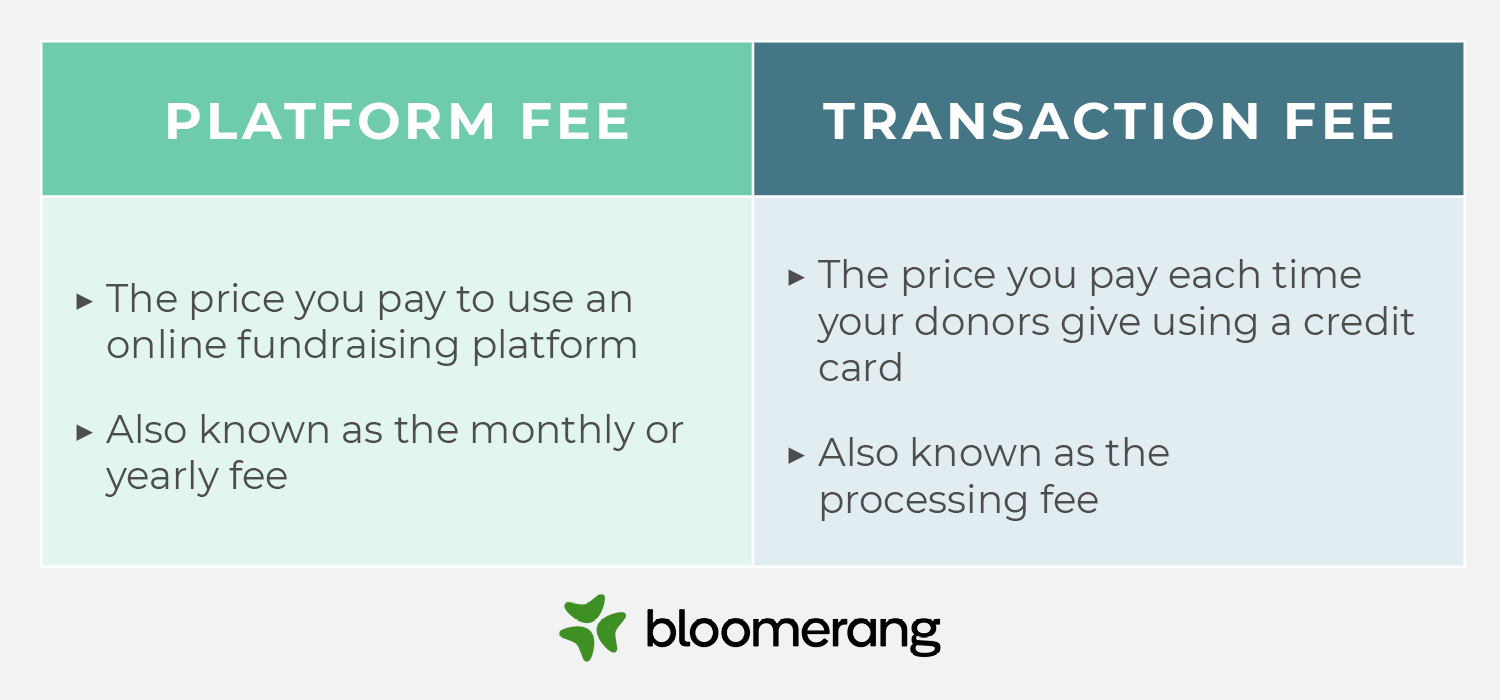
Yes, but many platforms allow you to ask donors to cover fees.
Also, some platforms that aren't specifically built for nonprofits, like PayPal, offer discounted nonprofit processing fees.
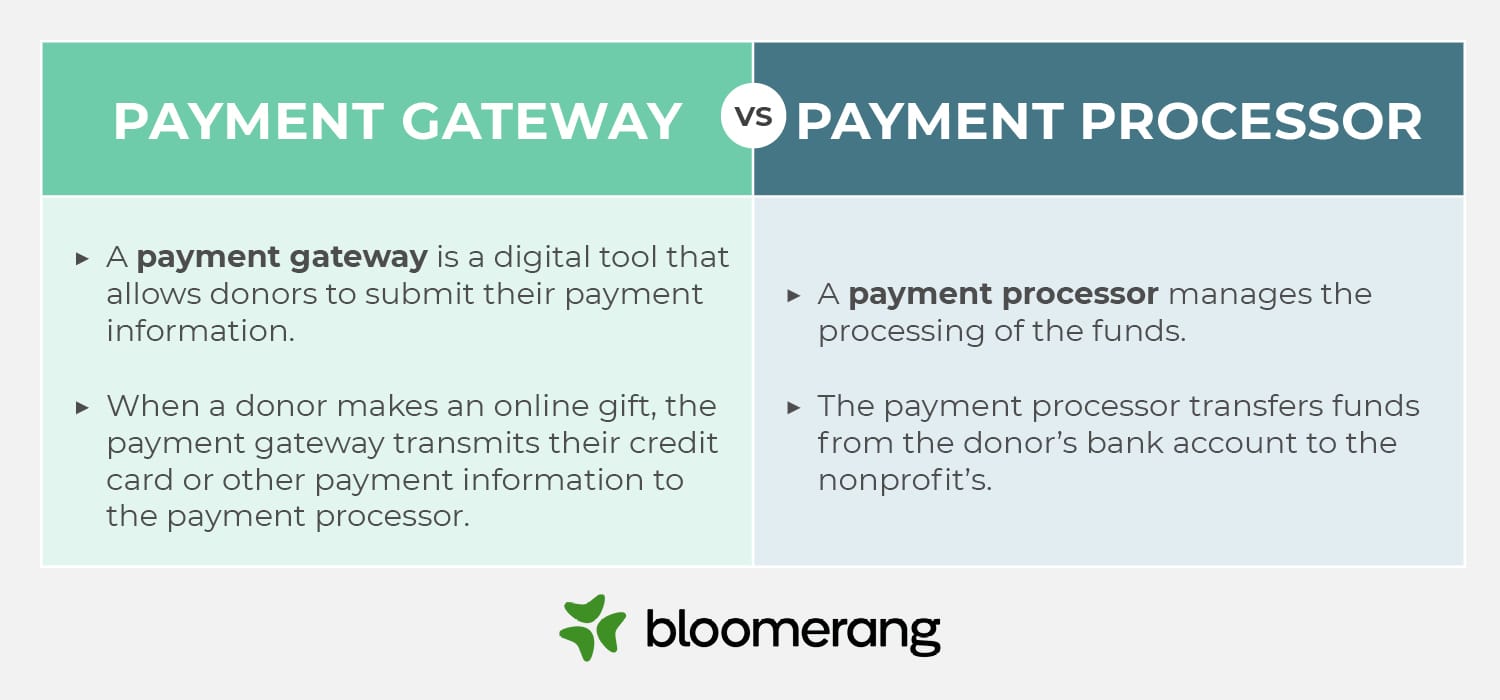
You may have heard the terms "payment processor" and "payment gateway" used interchangeably, but these terms refer to different aspects of the payment management process.
A payment gateway is a digital tool that allows donors to submit their payment information. In the nonprofit world, a payment gateway is often an embedded donation page on a nonprofit website. Nonprofits may also use third-party platforms to allow donors to input their payment details. When a donor makes an online gift, the payment gateway transmits their credit card or other payment information to the payment processor.
A payment processor manages the processing of the funds. The payment processor verifies donors' credit card information by checking with their bank to ensure that they have sufficient funds to complete the donation. After approving the transaction, the payment processor transfers funds from the donor's account to your nonprofit's bank account.
Choosing the right payment processor for your nonprofit comes down to a few key factors. Keep these considerations in mind when selecting a platform:
Consult with relevant stakeholders, like your nonprofit's legal team and fundraising staff members, before making your final decision. Ultimately, you want to ensure that your payment processor complies with all relevant privacy regulations and fits your team's needs.
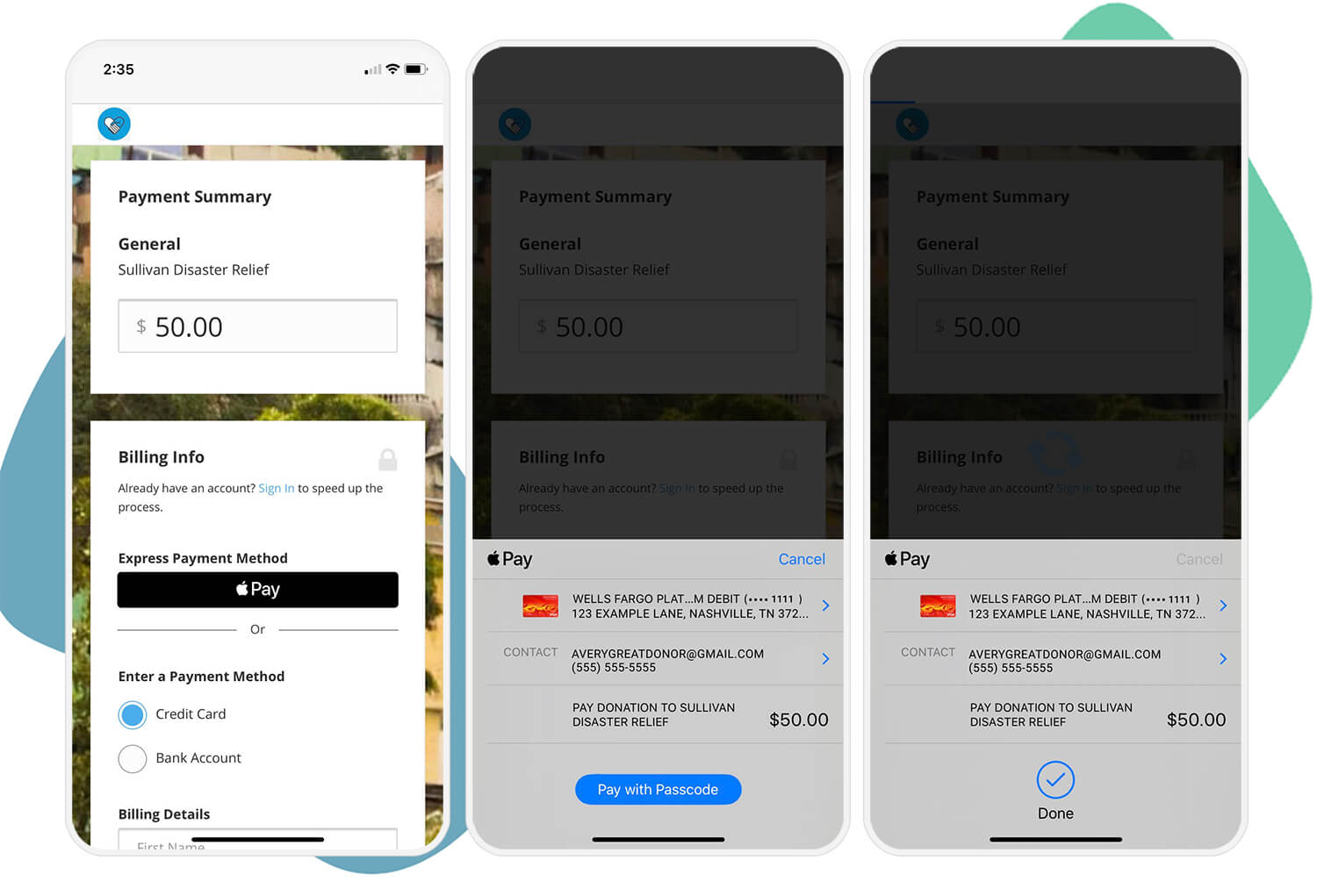
Recommended for: Nonprofits in search of a payment processor that integrates with their online giving tools like donate buttons, embeddable donation forms, donation pages, and text-to-give.
Favorite feature: With Bloomerang Payments, donors have the option to cover transaction fees, which saved one organization $6,000 a year. Also, data collected through Bloomerang Payments automatically flows into your Bloomerang CRM, allowing you to gather donor information to follow up and start building long-term relationships. Learn more about the features and benefits of Bloomerang Payments here:[embed]https://www.youtube.com/watch?v=zytxBWfmGN8&t=2s[/embed]Accepts payments from: ACH, Visa, Mastercard, American Express, JCB, Discover, Diners Club, Apple Pay, Google Pay, Microsoft PayPayout time: Daily deposits with a two-day delay.
In-person transactions: Using Tap to Pay, your nonprofit's staff can easily collect in-person donations using a mobile device. All donors have to do is tap their credit card or digital wallet on the mobile device.
Fees: Transaction fees starting at 2.0% + $0.30 for credit and debit card payments
Learn More About Bloomerang Payments
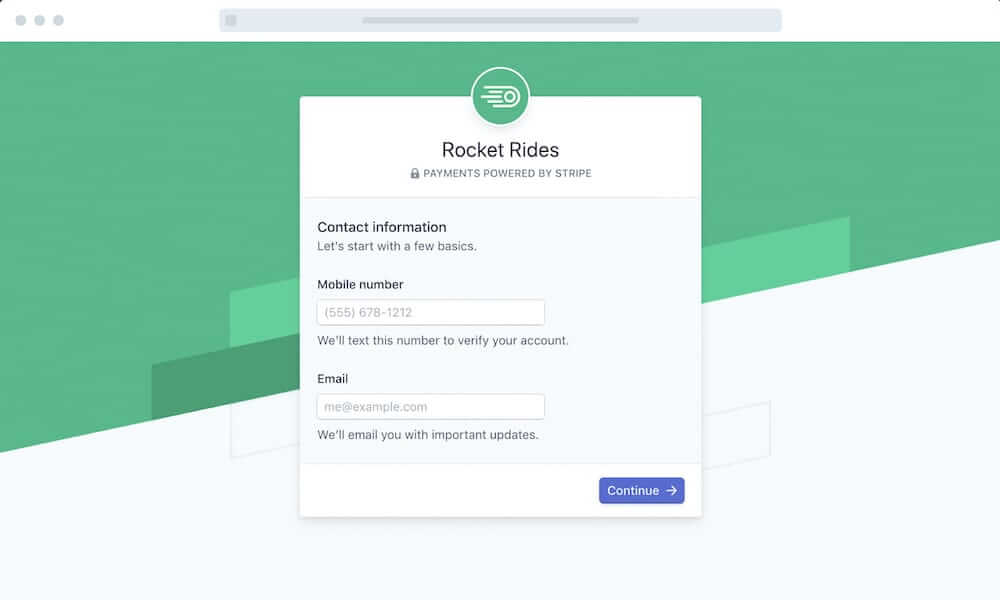
Recommended for: Nonprofits that need a standard, reliable payment processor with the option for expedited payouts.
Favorite feature: Stripe offers instant payouts, allowing you to send your earnings to an eligible debit card within minutes. This gives you 24/7 access to your funds when your organization needs them.
Accepts payments from: ACH, Visa, Mastercard, American Express, Discover, JCB, Diners Club, China UnionPayPayout Time: Daily deposits with a two-day delay.
In-Person Transactions: Available with Stripe Terminal, Stripe's credit card reader. Additional fees may apply.
Fees: Pay as you go with a 2.9% + $0.30 fee for each credit and debit card transaction. Organizations with official nonprofit status are also eligible for a discounted processing fee.
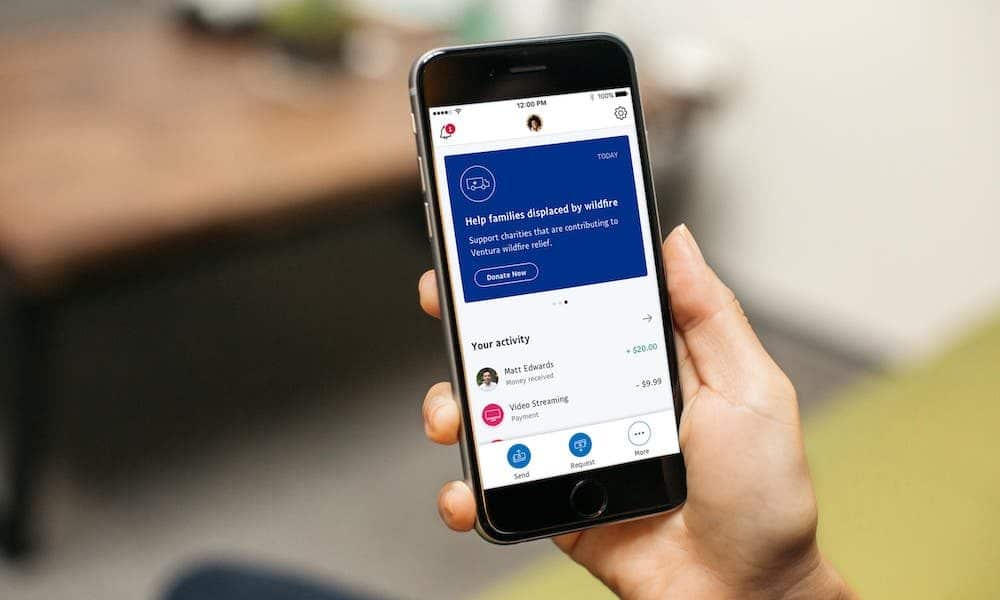
Recommended for: Smaller and new nonprofits that need an affordable payment processor that's optimized for online transactions.
Favorite feature: For nonprofits that are just getting started, PayPal allows you to customize a donate button for your home page, so you can start collecting donations instantly.
Accepts payments from: PayPal, Venmo, Apple Pay, Visa, Mastercard, American Express, DiscoverPayout Time: 2-3 business days.
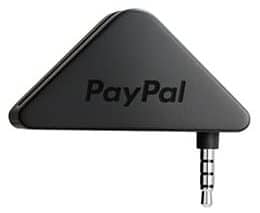
In-Person Transactions: With PayPal, you can collect donations in person using a mobile card reader, chip and swipe reader, or chip and tap reader.
Fees: Transaction fees are 1.99% and a fixed fee
Learn More About PayPal for Nonprofits
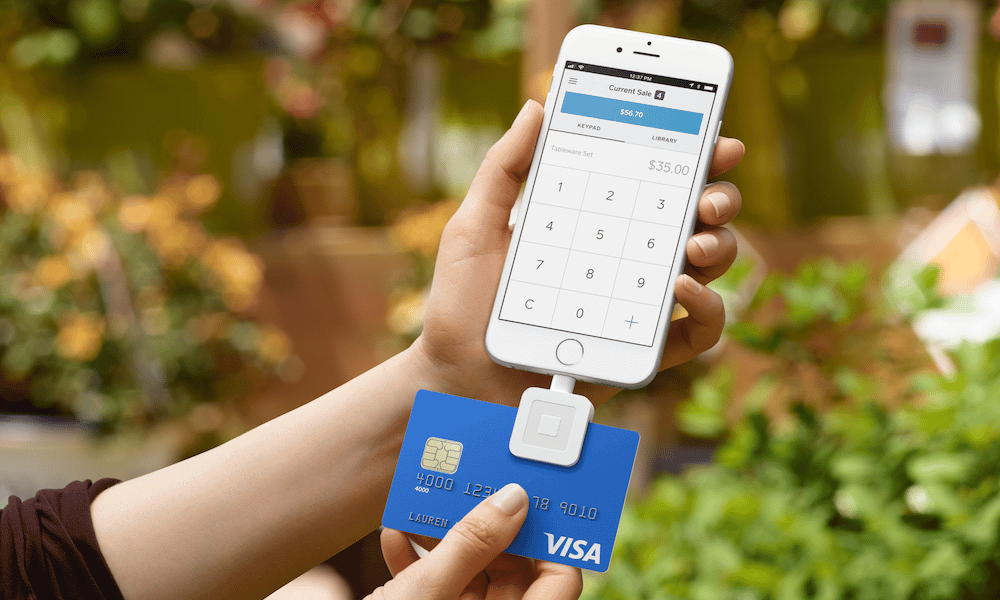
Recommended for: Nonprofits that use point-of-sale transactions to accept donations or purchases.
Favorite feature: For nonprofits that aren't ready to invest in a donor management system, Square offers basic CRM tools that help sort your donors into groups, send targeted emails, and receive feedback through digital receipts.
Accepts payments from: Visa, MasterCard, American Express, Discover, JCB, UnionPayPayout Time: 1-2 business days.
In-Person Transactions: Collect donations in person using Square's credit card reader.
Fees: 2.9% + $0.30 fee for online transactions
Recommended for: Nonprofits that want to invest in an advanced payment platform with advanced security features and a strong support team.
Favorite feature: Keep your nonprofit safe from fraud with Authorize.
Net's security features designed to identify and prevent fraudulent transactions.
Accepts payments from: ACH, Visa, Mastercard, Discover, American Express, JCB, PayPal, Visa SRC, Apple Pay, Chase Pay, E-checkPayout Time: 3-5 business daysIn-Person Transactions: You can accept transactions in person with Authorize.
Net's free virtual point-of-sale service. Card reader not included.
Fees: $25 monthly fee and 2.9% + $0.30 processing fee
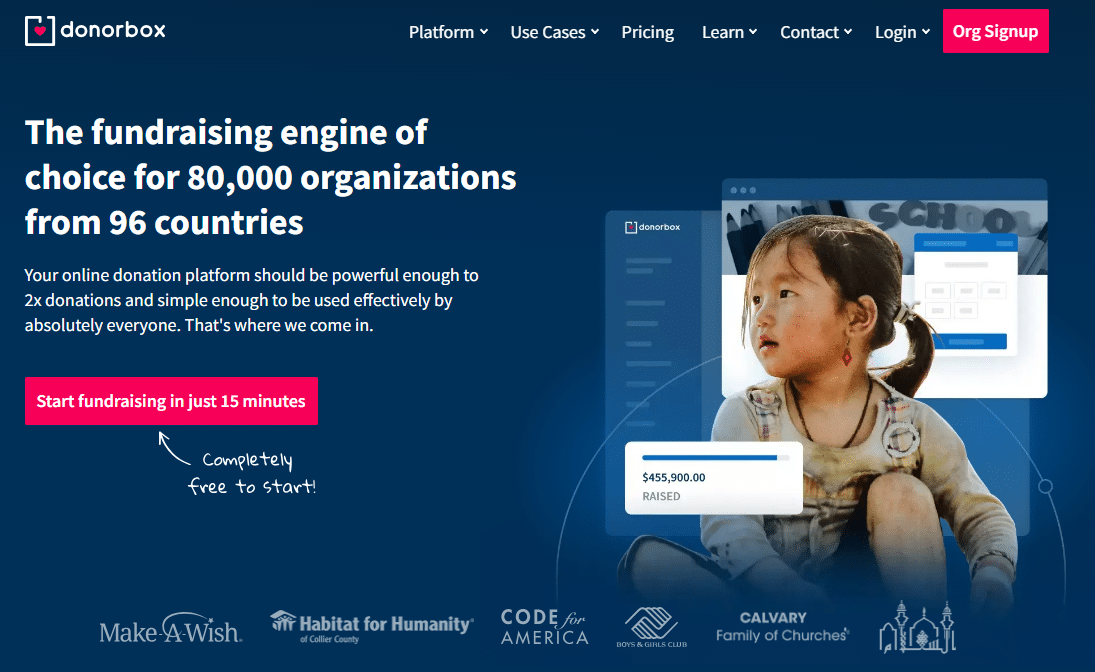
Recommended for: Nonprofits that want a donation processor that also includes fundraising tools like online donation forms.Favorite feature: Donorbox makes it easy to facilitate recurring payments. When giving, donors can choose a one-time, weekly, monthly, quarterly or annual donation. No extra steps or special forms are necessary.
Accepts payments from: Credit card, PayPal, Google Pay, Apple Pay, ACH, SEPA and iDEAL.
Payout Time: 2-3 business days.
In-Person Transactions: You can collect in-person transactions and add them later to Donorbox as offline donations. All financial totals will be updated and PDF receipts are automatically generated.
Fees: Transaction. It's free to set up, then a 1.5% fee per online donation plus a processing fee. The processing fee is 2.9% + $0.30 for Stripe, 0.8% for ACH, and 2.2% + $0.30 for PayPal.
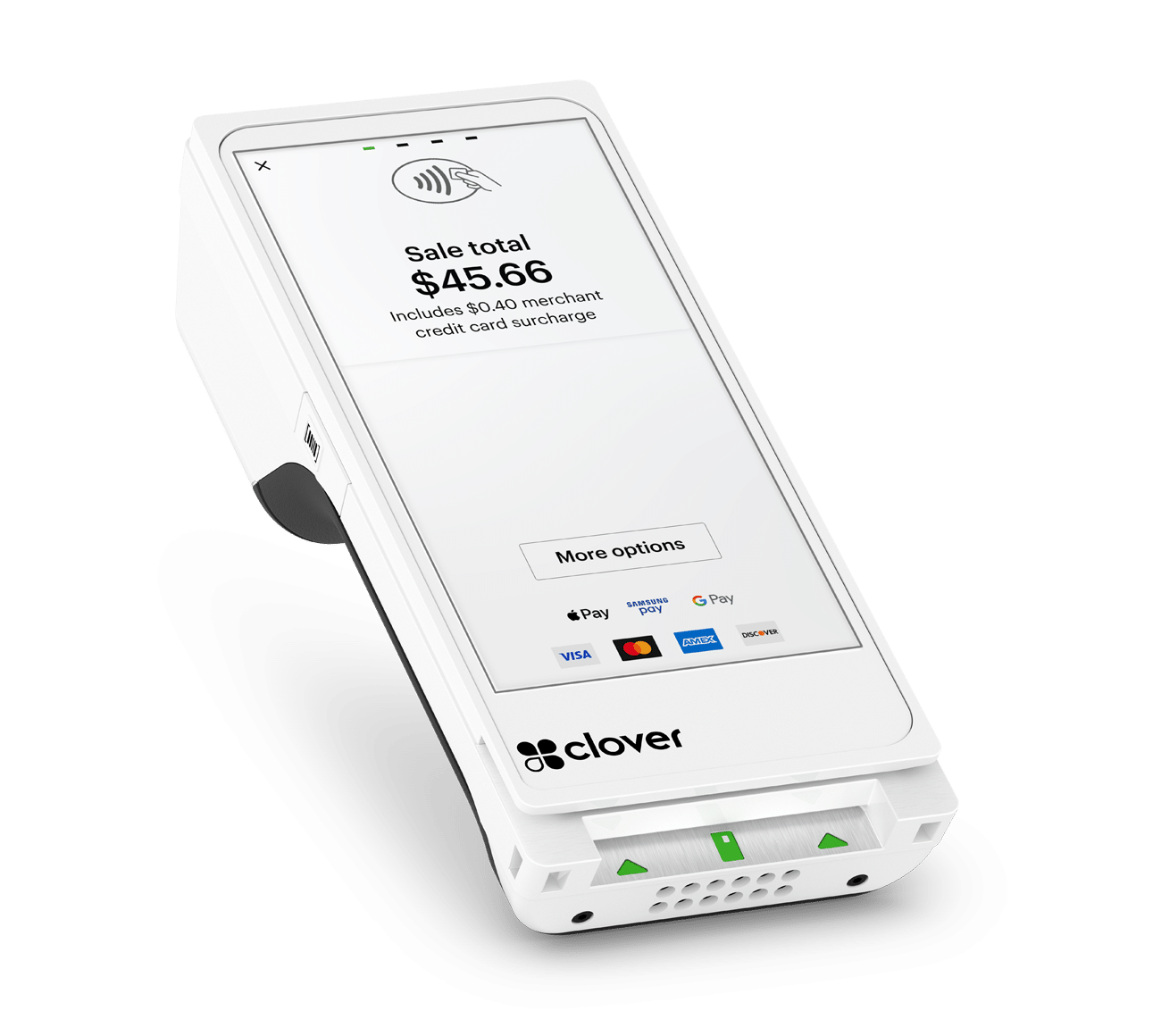
Recommended for: Nonprofits looking for POS features for in-person donations.
Favorite feature: Clover's POS functionality enables nonprofits to process in-person transactions using multiple devices, including card readers, iPhones, and tablets.
Accepts payments from: Credit/debit cards, Apple Pay, Google Pay, Samsung PayPayout time: 1-3 business daysIn-person transactions: Available via Clover's hardware card readers and POS devicesFees: 2.3% + $0.10 transaction fee
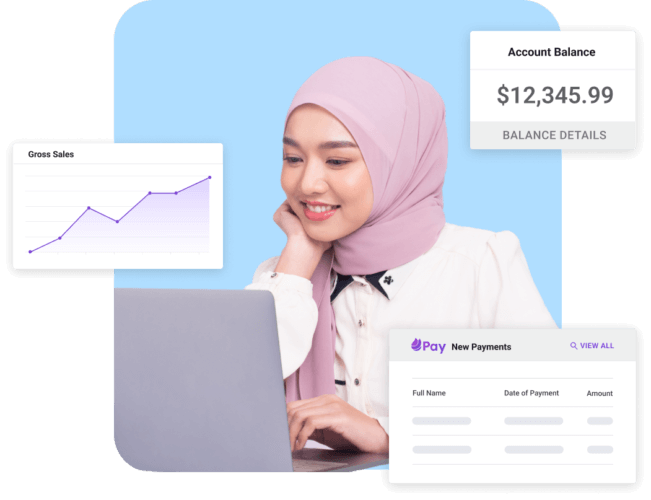
Recommended for: Nonprofits looking for a payment processing option integrated with the Keela CRM.
Favorite feature: Keela offers comprehensive in-house support included in both the Standard and Premium Care plans. Communications are housed in one central location to simplify outreach.
Accepts payments from: Visa, MasterCard, American Express, ACHPayout time: Nightly, weekly, or monthlyIn-person transactions: Not currently availableFees: 2.2% + $0.30 processing fee for Visa and Mastercard transactions.
Nonprofits can't afford the slowdowns and potential bad press that can result from poor payment processors. Use the tips in this guide to find a credit card processing solution that keeps your nonprofit's best interests at the forefront.
Looking for more support as you decide what system is best for your organization? Continue learning with these additional resources: